Analog Terminal Shell Clock
❝ an analog clock for the terminal ❞
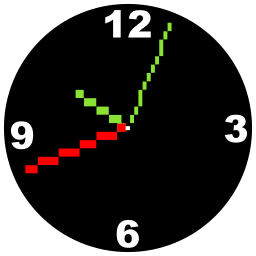
Screenshots 📷
As usual, just a little teaser:
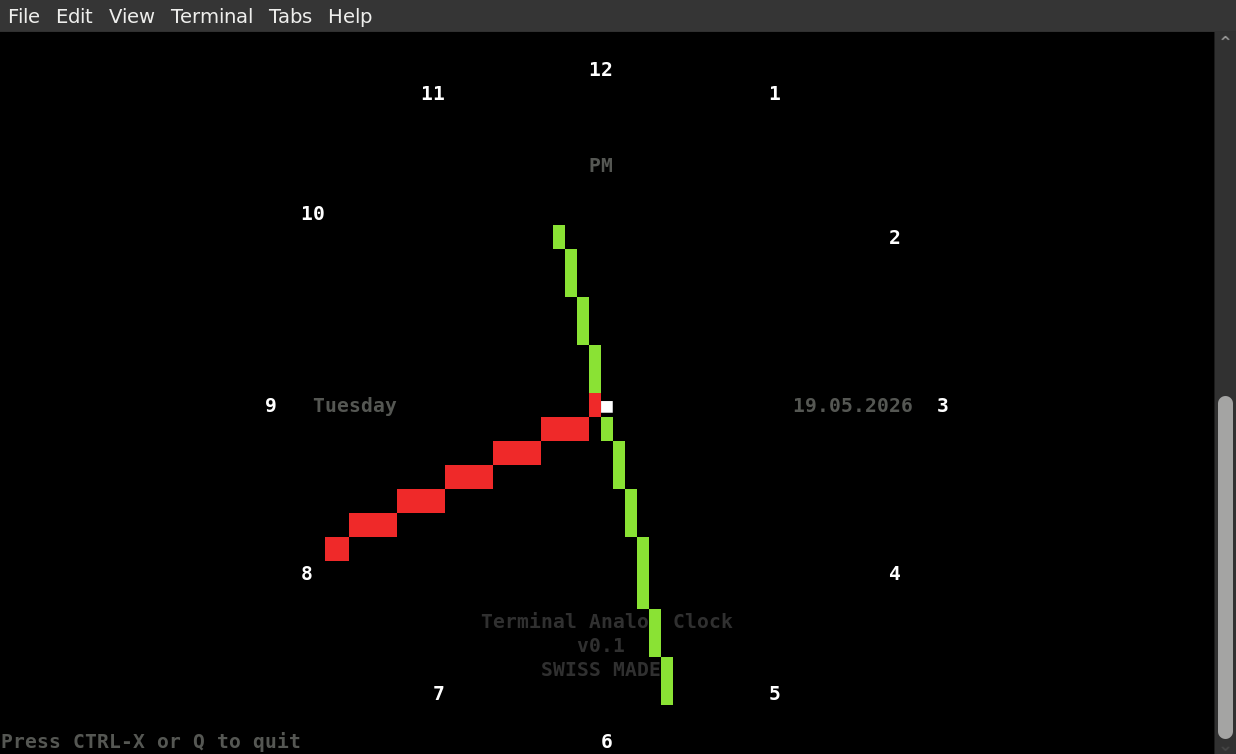
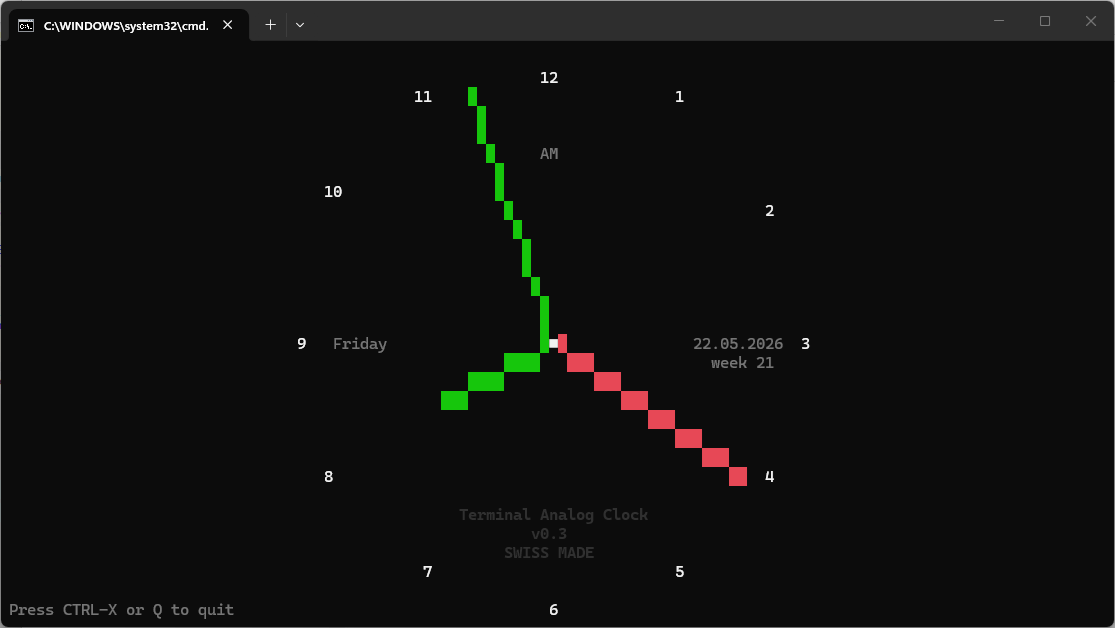
Preface and history 📜
As a clock lover, coming from a clock-making country and because I did not find any decent analog clock for the terminal, I decided to programm one. After realizing that it is really not that simple to draw beautiful lines in the terminal (not using sixel or kitty protocol), I came with a first solution that had somewhat antialiased but ugly, wide and nonreadable clockface-hands. After a second trial, I found the Bresenham line algorithm and even managed to proper antialias it. The culprit was: It was blurry, chunky and was not looking as crisp as I had expected. I guess that in the terminal, my eyes are trained to see pure non graphical information. Well then.
My conclusion after all that messing around is, that using the Bresenham algo is fine (of course it is!) but antialiasing is not. So I can keep the code quite a bit smaller. Is the clock really beautiful? Alas! Probably not – but hopefully useful at least.
Installation 📦
Linux installation 🐧
- Run
sudo apt install python3for Debian. Installation for other distributions may vary. There is no other dependencies. - run
./analogclock.pyto start the calculator 🚀 - to install it permanently including a man page, run
apt install pandocmakesudo make install
- to uninstall it, run
sudo make uninstall
Windows installation 🪟️
Tested with Windows 11 only:
- install python
- use
run.batto start the calculator or open a cmd-shell and executepy ./analogclock.py🚀
Usage 💡
Disclaimer ⚠️
Don’t use this clock if you plan to fly to the moon. I’m not kidding — expect that something might go wrong. Testing all edge cases is not simple.
General Usage 👇
- Just run
./analogclock.pyin the path you have downloaded it or simply runanalogclockif you have installed it. - Other colors can be configured in the source code at the section
# CONFIGURATION
Hotkeys ⌨️
These are the only hotkeys needed:
- CTRL-X → exit or
- Q → exit
Hint: If a hotkey is not working, this is most likely due to the terminal shell in use and it’s predefined hotkeys.
To Do’s and Niceties for coming versions 🚧
- implement kitty protocol to get a beautiful clock finally.
- integrate digital Stopwatch, Timer, Countdown
- Draw a real clockface - would it be an option to draw a square or even rectangular clockface?
- draw larger clockfacenumbers if terminalsize is > 30 lines
- use sixel or kitty protocol?
Error reporting 🐛
- Errors and bugs are possibly included.
- Error reports, corrections or kind words are welcome: ✉️ sery@solnet.ch
manufactured with ♥ in Switzerland